March 30th, 2026
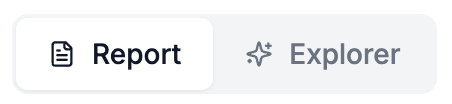
We just rolled out the first version of a Reports feature for our data analysis Discover Tab. The existing discover tab UI has been moved to the Explorer View and will not be complemented with a Report View featuring a downloadable report. The report will serve as a jumping off point for deeper data exploration by giving users a high level summary of the findings as well as some more detailed key insights. More sections and functionality are planned for the report feature so keep your eyes peeled.
Analysis Snapshots
We have started to use the term Snapshot to refer to a single analysis (previously they were called versions) as it more accurately describes the nature of the data analysis as a snapshot of a particular set of data.
Snapshot Customization
We now have two new ways to customize your analysis snapshot! You can now either select “All Interviews” (default) or filter by “Date Range” when creating an analysis snapshot. When the Date Range filter is used, only interviews from that time period will be included in the analysis snapshot.
Additionally there’s a new “Context and Objective” field (under Advanced Options) which you can use to pass some additional background or goals to the analysis process. Adding custom instructions here can help guide the analysis process if you have specific interests or areas you want to explore.

March 16th, 2026
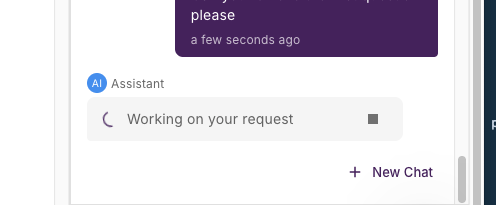
AI-Powered Designer Assistant
We're excited to introduce a big upgrade to the Designer Assistant - it’s now a fully functional chat interface that can help you with all your interview design tasks. Speed up creation to just a few minutes by uploading an outline or give the assistant a prompt and have it build the interview for you.
What's New
Build surveys by simply describing what you need. The Assistant understands natural language and helps you create, refine, and optimize your surveys through an intuitive chat interface.
Smart Question Import Upload documents or paste existing content, and the Assistant automatically converts them into properly formatted survey questions - saving you from tedious copy/paste
Real-Time Collaboration Every significant modification creates a new version, so you can always track or revert changes.
Key Benefits
Faster Survey Creation - Build surveys in minutes instead of hours
Expert Guidance - Get AI-powered recommendations on question structure and flow
Version Control - Track all changes with automatic versioning
Getting Started
Access the Designer Assistant from the Design tab in any project. Look for the Assistant panel on the right side of your screen and start a conversation!
Learn More
Check out our complete guide to the Designer Assistant for detailed tips and workflows.
Available now for all users on the Reveal AI platform.
February 9th, 2026
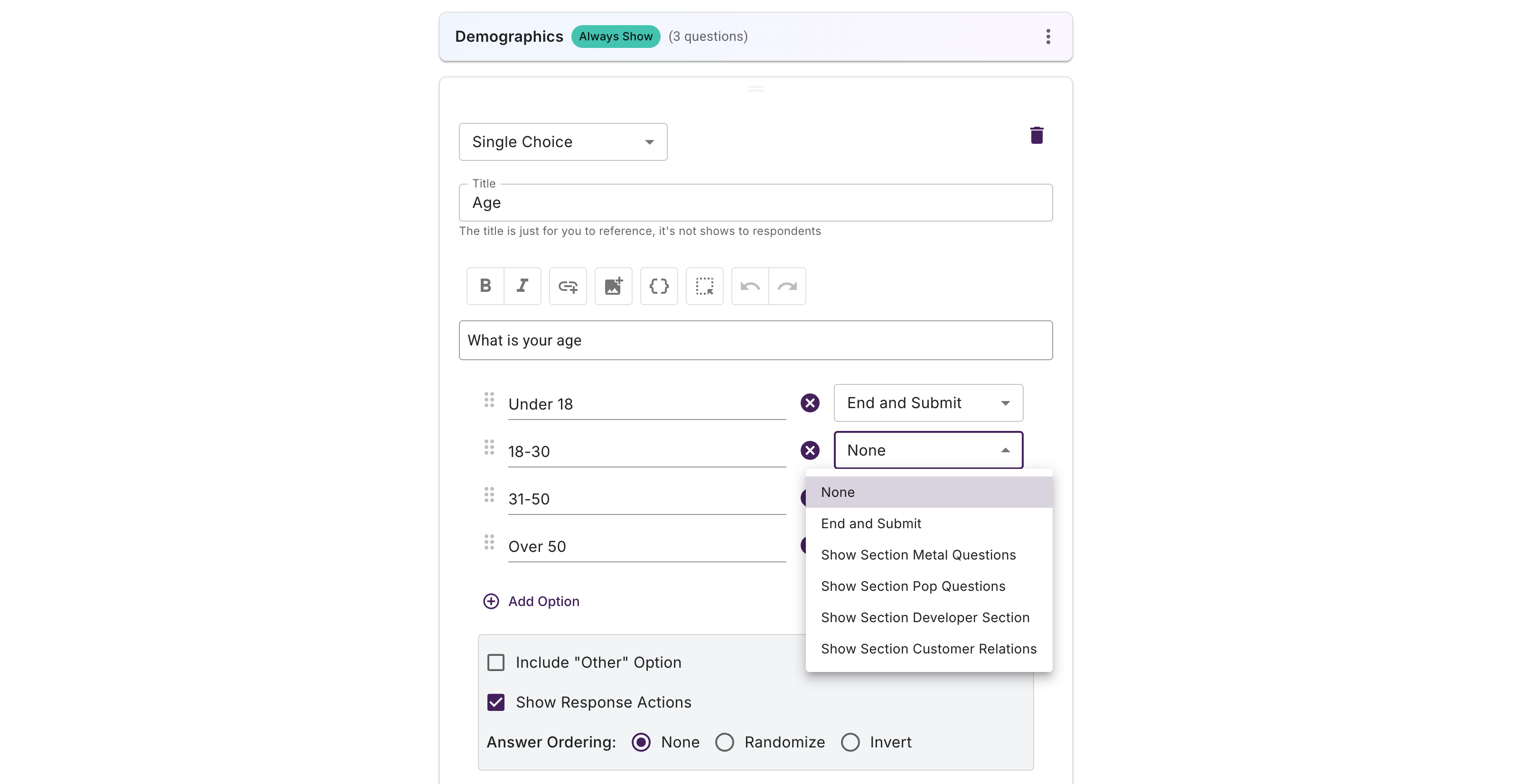
Interviews now support branching logic. Organize questions into sections, show/hide sections based on responses, and create personalized interview paths. Set conditions at the section or question level for maximum flexibility.
Use section-level conditionals to control what happens after participants complete a group of questions—continue to the next section, end the interview, or reveal additional conditional sections. For multiple choice questions, configure response actions that trigger different paths based on specific answers. This enables sophisticated interview flows like role-based questioning, skip logic, and adaptive surveys that show only relevant content to each participant.