Uploading Your Own Data
Written By revealai
Last updated 3 months ago
In some cases you may have your own data about interview participants that you’d like to upload to the Discover tab for a richer experience. We have a workflow that allows you to upload a csv file of extra Attributes that will be applied to your interviews. These attributes are what is used in the Discover tab to power the filters which you can use to slice and segment your data when exploring the responses.
Requirements
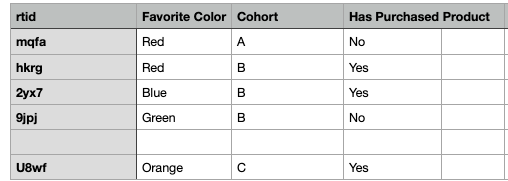
Use a tracking id (`rtid`): There must be a unique tracking ID attached to each interview (and in your uploaded data) so we can join the data together. For more info about using tracking IDs see the Attaching a Tracking ID article
Format
Right now we support
.csvfile upload.The file must have one column titled
rtid, all other columns are treated as attributes to add to your interviews.The first row is the header row and will be treated as the attribute names
Workflow
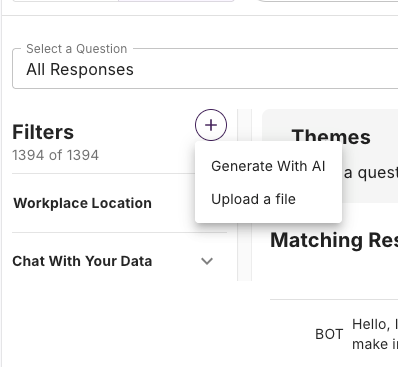
Project Editors can click the “+” icon in the filters sidebar and then select “Upload a file”
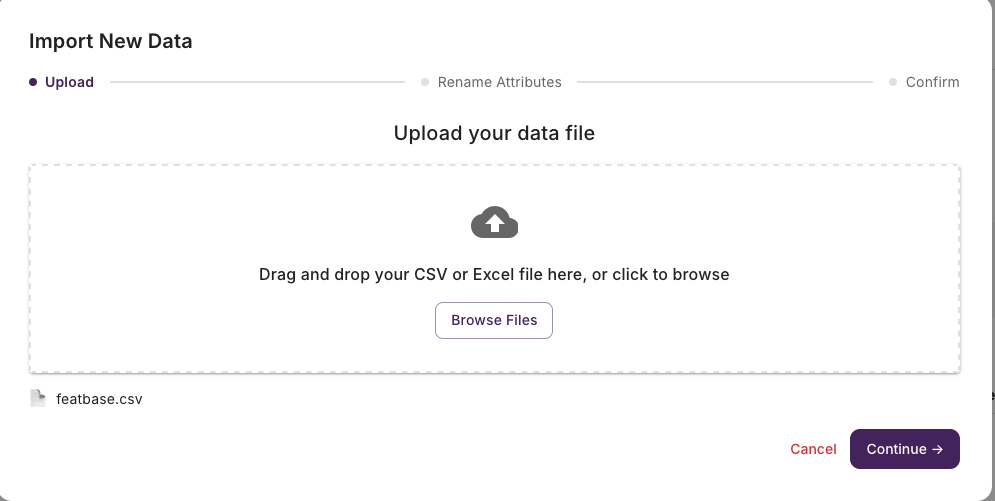
Select your file
From here you can select which columns you’d like to import and rename them
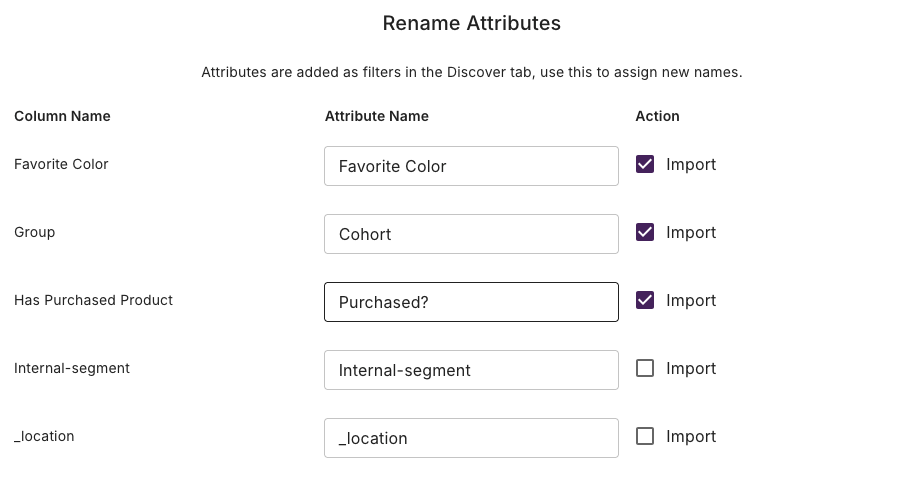
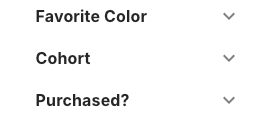
After that you’re new attributes will be available as filters in the discover sidebar
Was this helpful?
Still need help? Ask the team