Project Creation Tools
Upload an outline or have AI generate your survey for you.
Written By revealai
Last updated 9 months ago
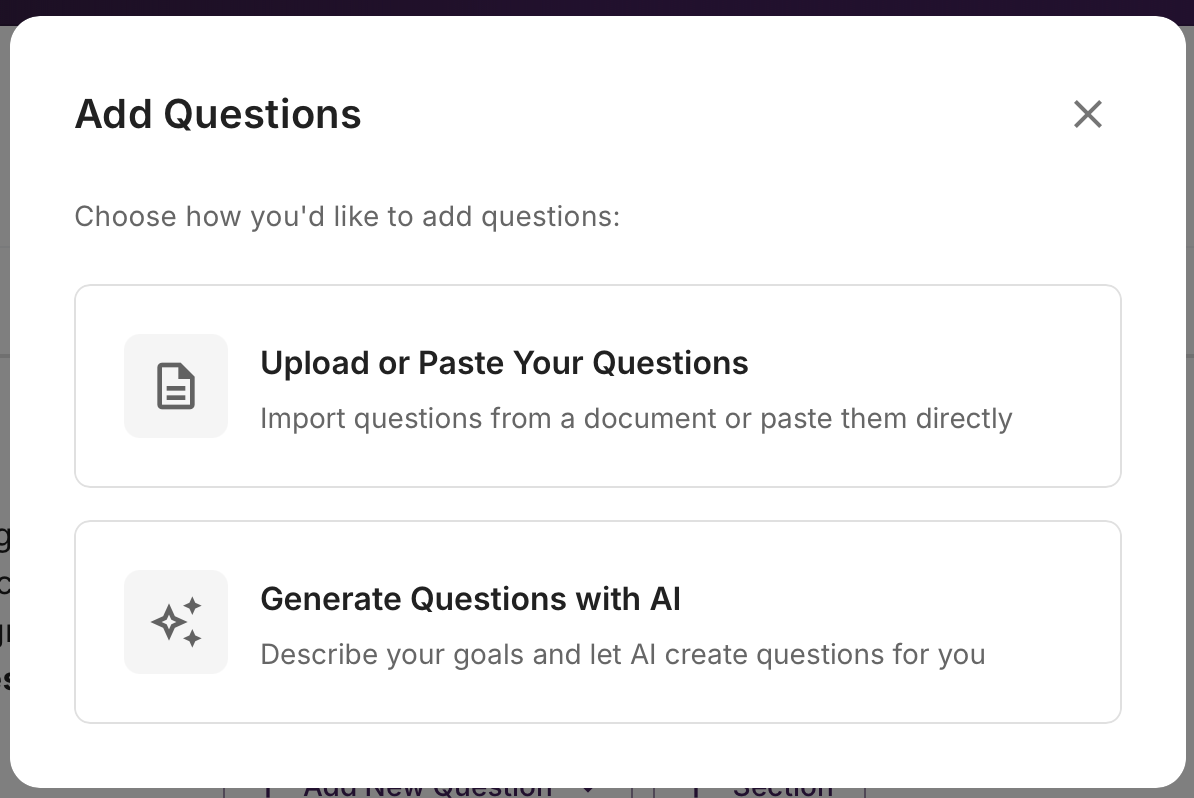
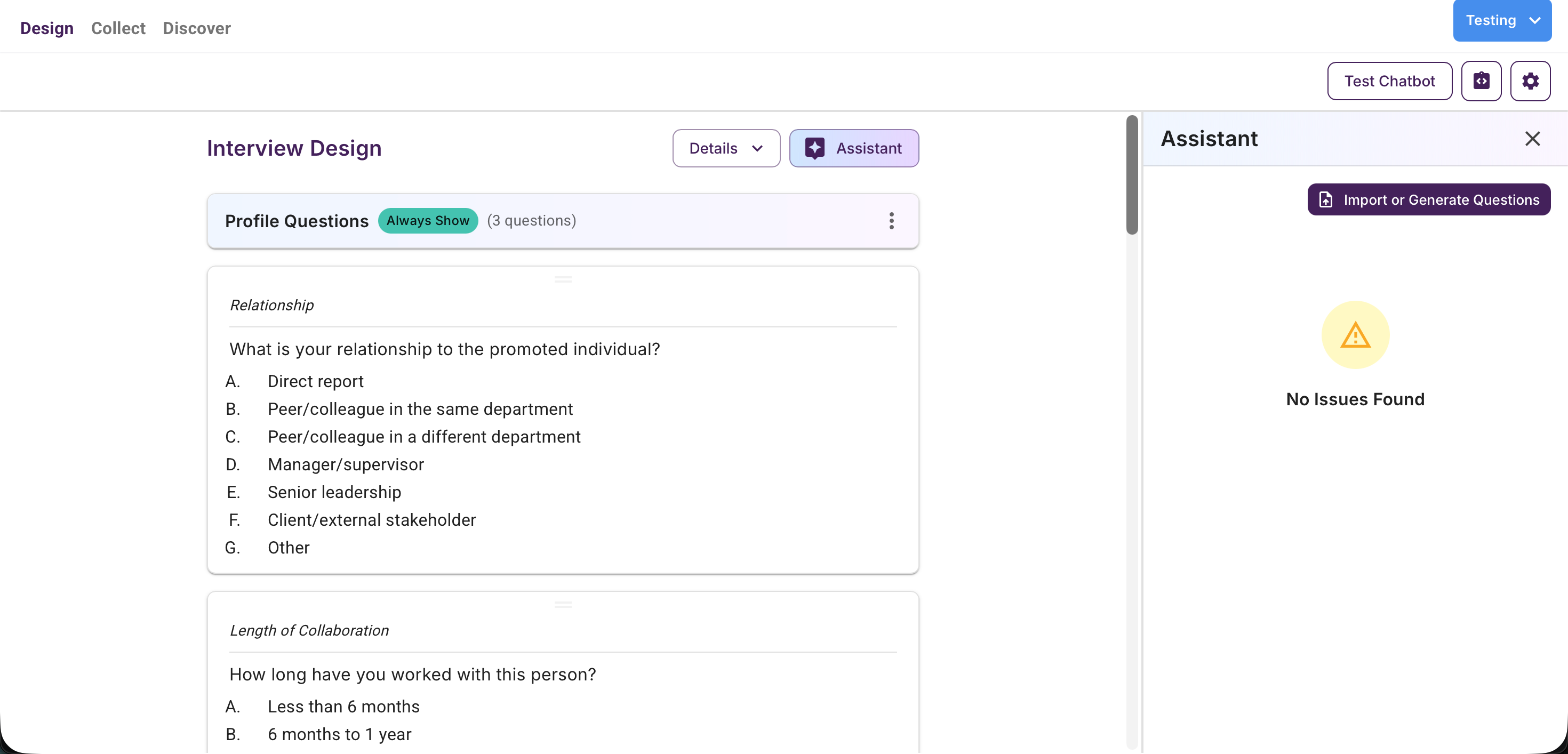
There are two main ways to speed up the process of setting up your survey in the Reveal AI app, uploading/pasting an outline of your survey or having AI generate the survey for you.
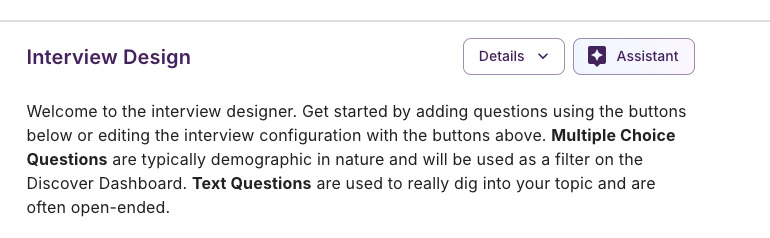
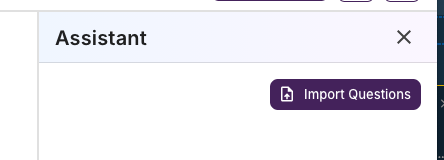
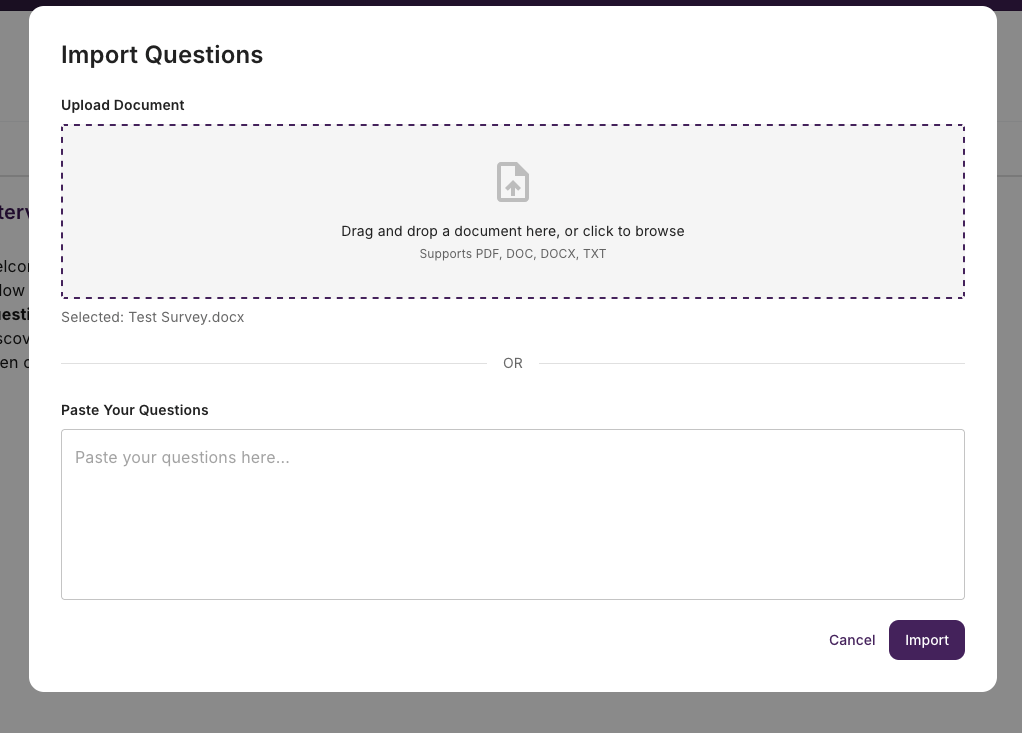
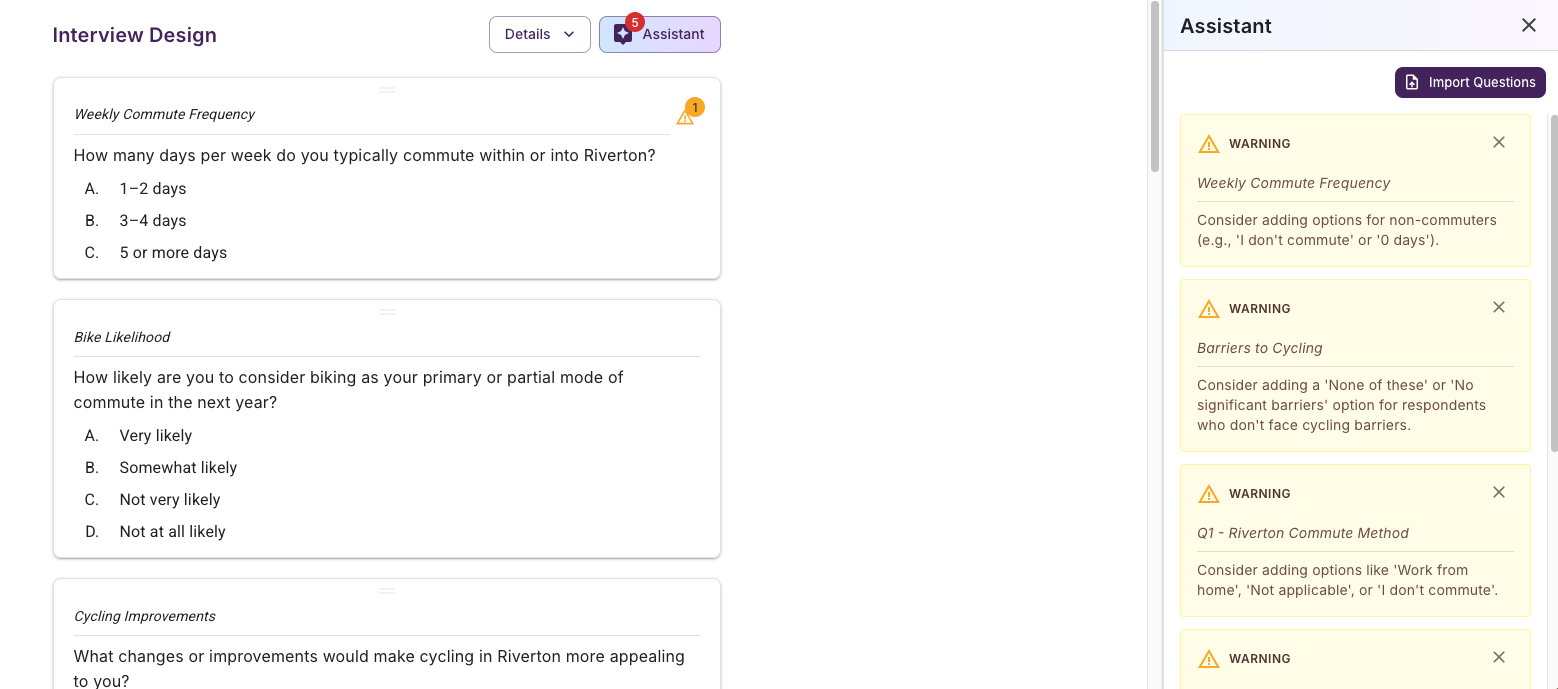
Import An Existing Outline
If you have an outline doc you can supply that to RevealAI and we will import it into our system for you. The system will process your outline and convert it to the RevealAI format along with any warnings or errors that you need to be aware of.
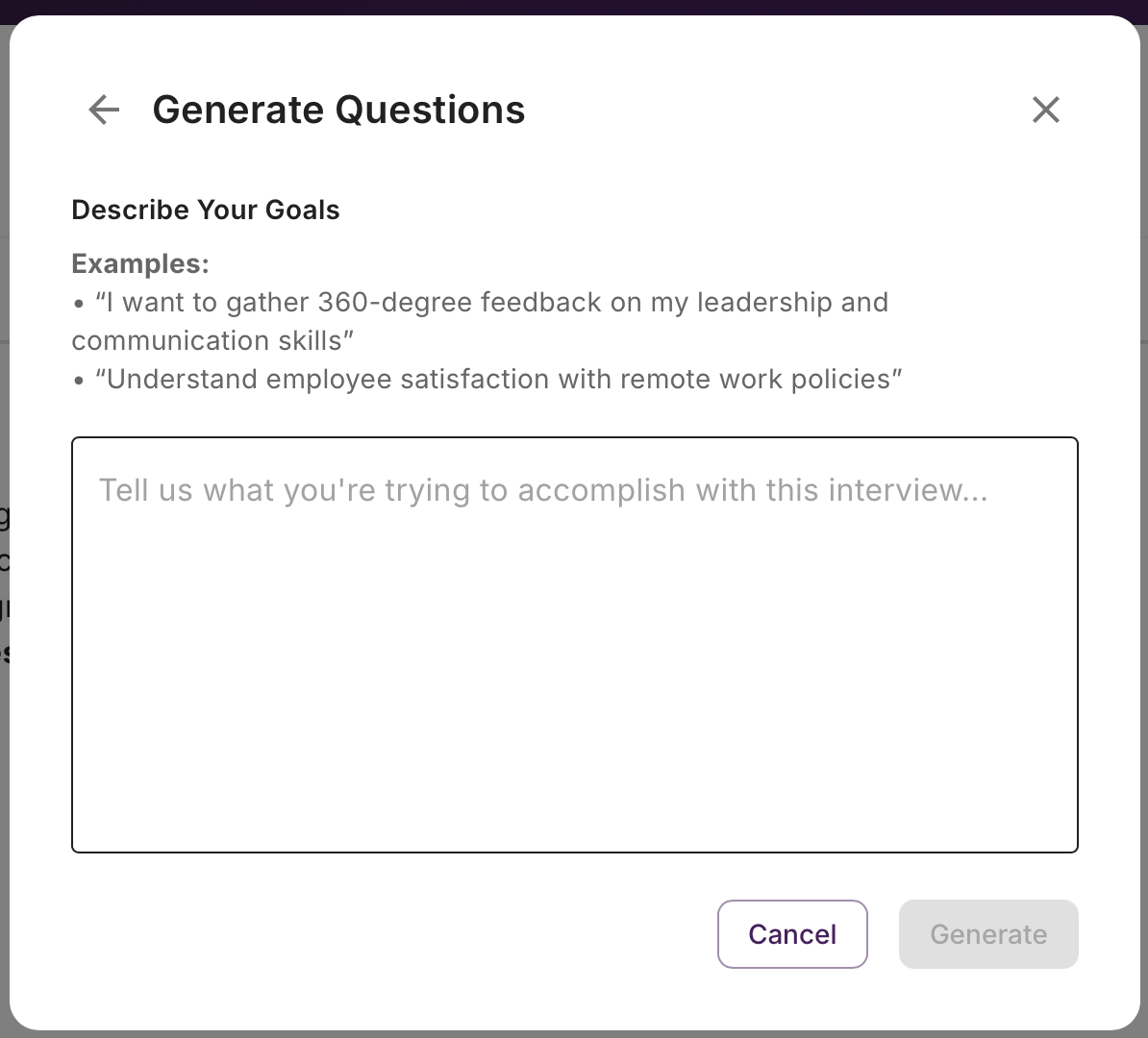
Generating A Survey
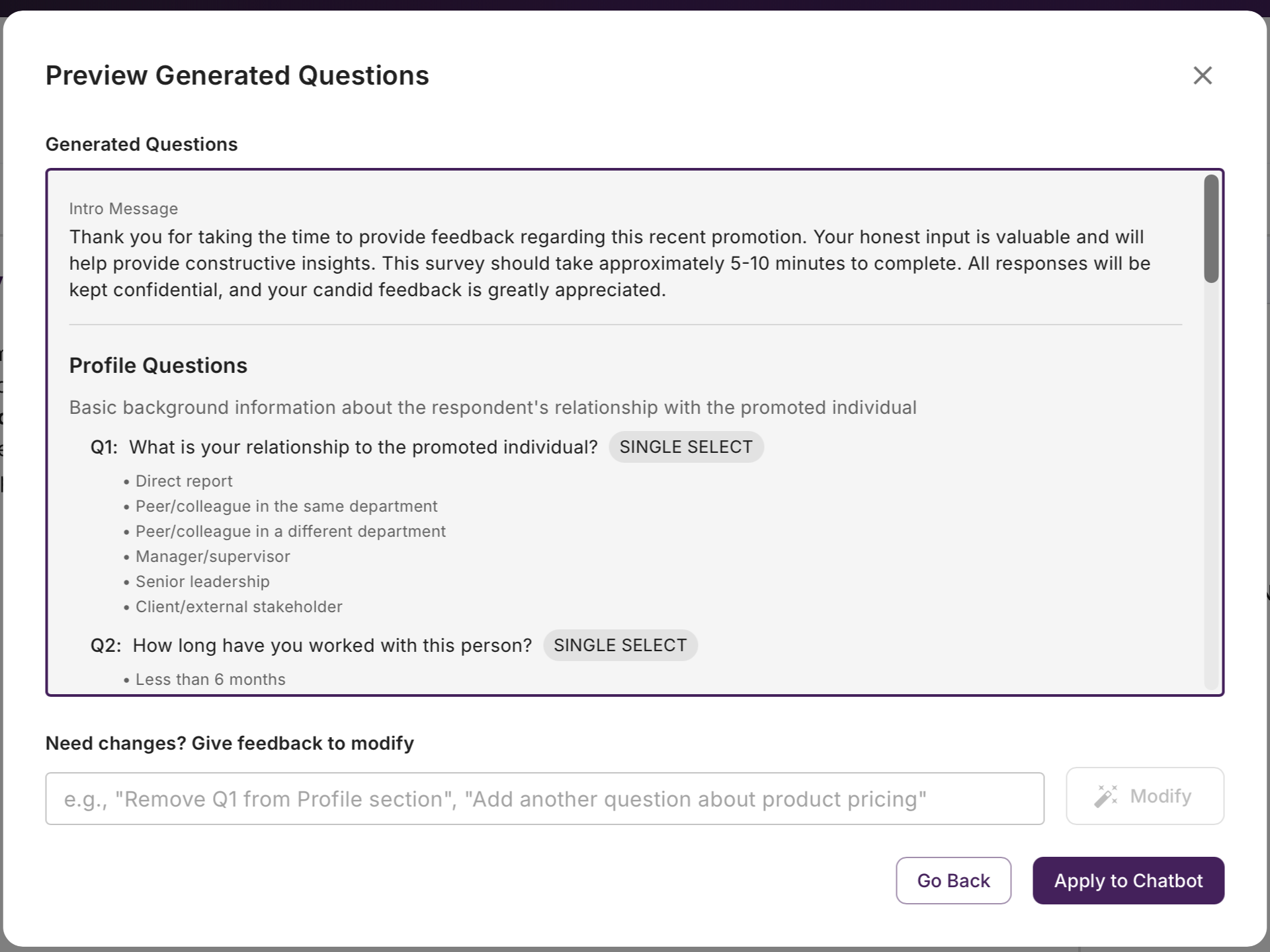
Provide a description of your goal and have Reveal generate the survey for you as a starting point. You can then edit / adjust as you see fit.
Was this helpful?
Still need help? Ask the team