Integrating Reveal AI Into Other Survey Platforms
Written By revealai
Last updated About 2 months ago
As mentioned in the Embed RevealAI iFrame you may want to embed a Reveal AI conversational survey into another survey platform. Maybe you’re already heavily invested in that platform or maybe you want to leverage some of the features that they supply and Reveal does not yet support. Either way we’re here to help you integrate and get the best of both worlds.
Which platforms support embedding Reveal AI?
Integrating w/ Alchemer
Add the Iframe
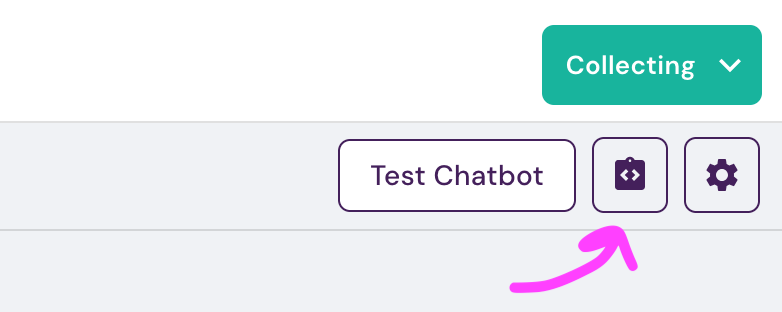
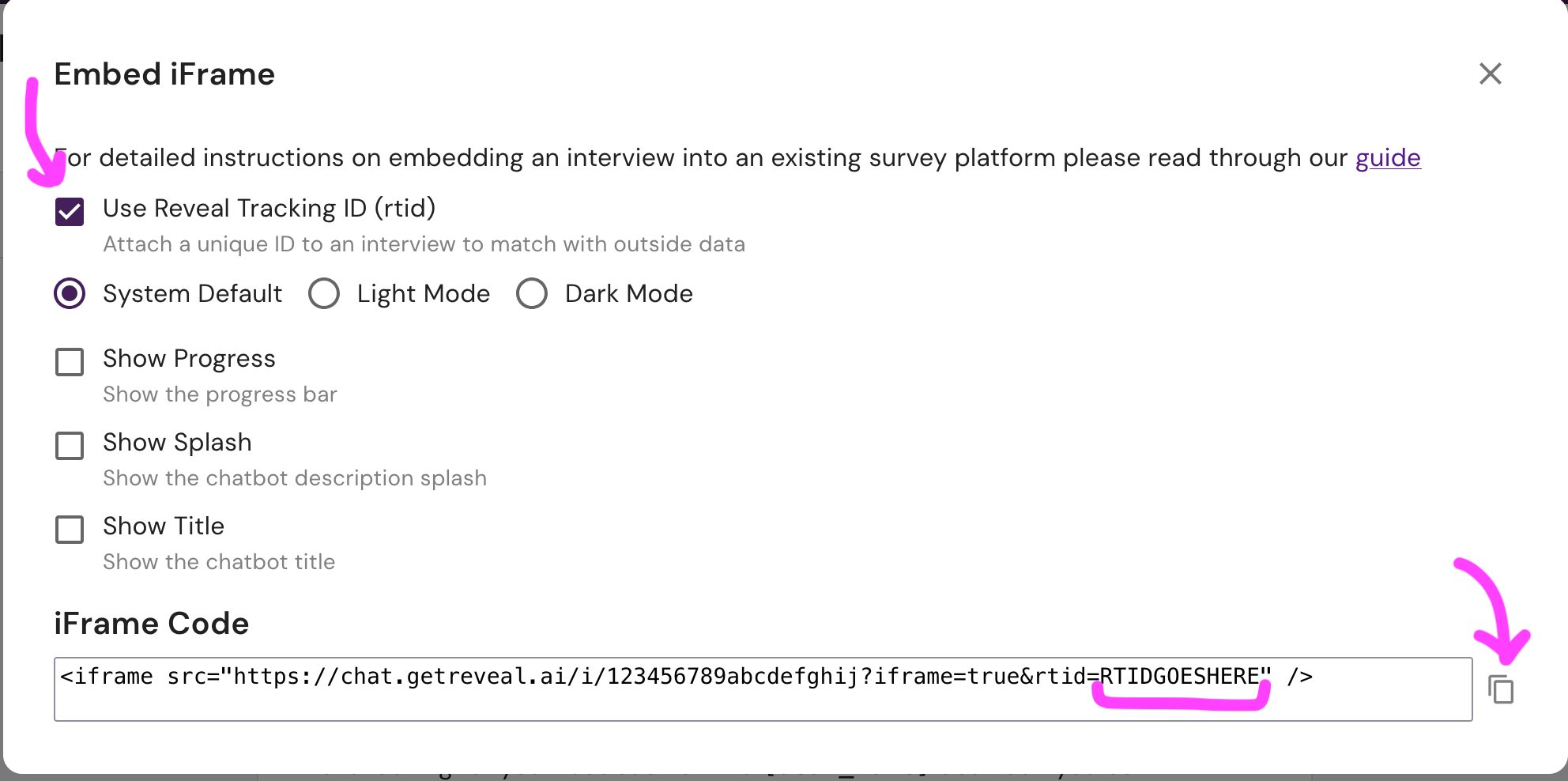
In the Reveal platform, on the Design Tab, use the Embedding Configuration button to customize your iframe setup (color, progress, titles). Make sure that you check “Use Reveal Tracking ID” and then copy the iframe code at the bottom
In the Alchemer platform in your survey add a text/media block and select text/instructions from the options
Paste the iframe code in and make the following edits
replace
&rtid=RTIDGOESHEREwithrtid=[survey('session id')]. This is how the Alchemer session ID is passed into the reveal platform and stamped onto the reveal data so you can match things back up.add width and height attributes to your iframe to control the size such as
width="400"andheight="550"where the values are pixels
All told your iframe code should look something like
<iframe width="400" height="550" src="https://chat.getreveal.ai/i/revealai-demo?iframe=true&rtid=[survey('session id')]"></iframe>If you later go to edit the iframe content and see this
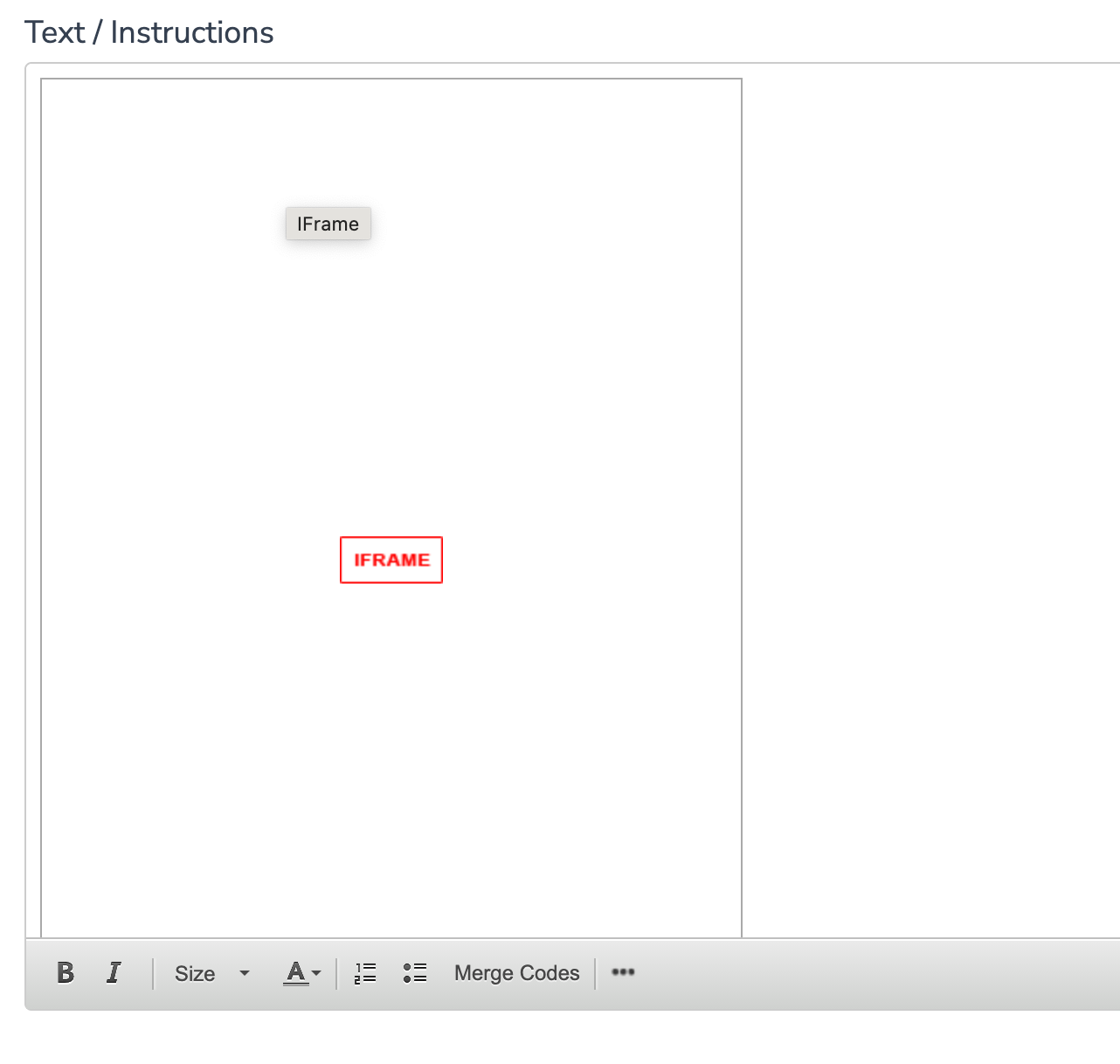
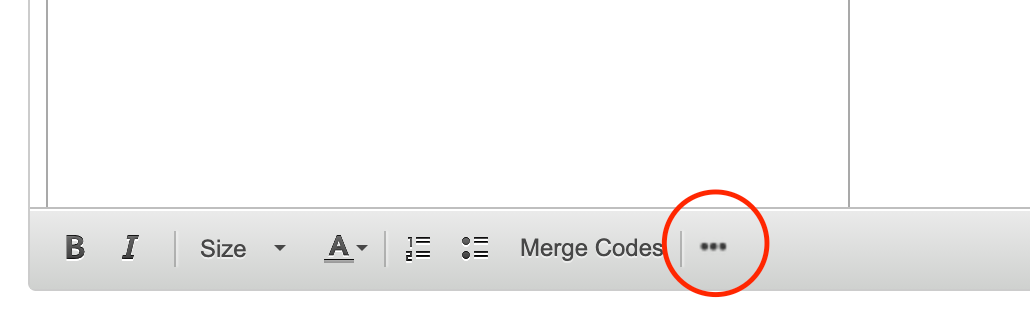
Then click on the three dot menu, then “source” to be able to edit the iframe code

Piping in Responses
You can use Reveals placeholder capability ( Using Placeholders ) to pass in data from Alchemer questions into the reveal survey
Step 1. Setup your placeholder in the Reveal design tab. For this example we’ll use a product-name placeholder for a question such as “why did you prefer product-name over it’s competitors?”
Step 2. Update the iframe code in Alchemer to pull the relevant question id and pass it along to the reveal iframe via the URL. In this example the id=5 part is how the Alchemer merge code knows which question response to pipe in
// iframe src should look like
  src="https://chat.getreveal.ai/i/revealai-demo?iframe=true&rtid=[survey('session id')]&attribute-product-name=[question('value'), id='5']" >
If your responses have special characters in them you’ll want to encode them in the URL by adding urlencode='true' to the merge code
// iframe src shoudl look like
  src="https://chat.getreveal.ai/i/revealai-demo?iframe=true&rtid=[survey('session id')]&attribute-product-name=[question('value'), id='5', urlencode='true']" >
Preventing Skipping
You can stop respondents from advancing past a page until they finish the interview
Step 1: On the survey page containing your Reveal iframe, add a JavaScript Action. Importantly you should only add one action per page
Step 2: Copy the following action code in. Notice that there is a top section for optional configuration and the bottom section does not need to be changed
/**
 * CONFIG SECTION [OPTIONAL]
 * EDIT THESE VALUES IF YOU WANT TO CHANGE THE DEFAULTS
 */


/**
 * Whether to block respondents from continuing until the reveal interview is
 * completed.
 * Set to false if you want to allow users to skip the reveal interview
 */
var preventSkipping = true;

// Tooltip shown when hovering the disabled button.
var tooltipMessage = "Please complete the interview first";

/**
 * Alchemer's next ("Continue") and final ("Submit") button ids. Advanced
 * users can override with their own list of CSS selectors.
 */
var buttonSelectors = ["#sg_NextButton", "#sg_SubmitButton"];

/**
 * CODE SECTION - YOU SHOULD NOT NEED TO EDIT ANYTHING BELOW HERE
 *
 * Disables the survey's Continue / Submit button while a visible Reveal
 * interview iframe on the page is unfinished, and re-enables it once every
 * visible interview has completed.
 *
 * The standard iframe copied from the Design tab needs no changes — Reveal
 * iframes are detected automatically by their source URL, so multiple and
 * conditionally-shown interviews on one page all work with a single script.
 */
(function () {
  "use strict";

  // Host of the Reveal interview app, injected when this script is served.
  var CHAT_HOST = "https://chat.getreveal.ai";

  // How often to re-check iframe visibility/completion (ms).
  var POLL_INTERVAL_MS = 500;

  // The completion event emitted by the interview app to its parent window.
  var END_EVENT_TYPE = "reveal-ai-emit-end-interview";

  // Iframes whose interview has completed. Keyed by the iframe element so each
  // interview on the page is tracked independently.
  var completedIframes = new Set();
  var tooltipEl = null;

  // --- iframe discovery -----------------------------------------------------

  /** All Reveal interview iframes currently in the DOM. */
  function findRevealIframes() {
    var iframes = document.querySelectorAll("iframe");
    var matches = [];
    for (var i = 0; i < iframes.length; i++) {
      var src = iframes[i].getAttribute("src") || "";
      if (src.indexOf(CHAT_HOST) !== -1 && src.indexOf("/i/") !== -1) {
        matches.push(iframes[i]);
      }
    }
    return matches;
  }

  /** An iframe is visible if it renders in the layout with a non-zero box. */
  function isVisible(iframe) {
    if (iframe.offsetParent === null) return false;
    var rect = iframe.getBoundingClientRect();
    return rect.width > 0 && rect.height > 0;
  }

  // --- Button enable/disable ------------------------------------------------

  function eachButton(fn) {
    for (var i = 0; i < buttonSelectors.length; i++) {
      var button = document.querySelector(buttonSelectors[i]);
      if (button) fn(button);
    }
  }

  function ensureTooltip(button) {
    if (tooltipEl) return;
    tooltipEl = document.createElement("div");
    tooltipEl.className = "reveal-ai-tooltip";
    tooltipEl.textContent = tooltipMessage;
    tooltipEl.style.cssText = [
      "position:absolute",
      "bottom:100%",
      "left:50%",
      "transform:translateX(-50%)",
      "background-color:#333",
      "color:#fff",
      "padding:8px 12px",
      "border-radius:4px",
      "font-size:13px",
      "white-space:nowrap",
      "margin-bottom:8px",
      "opacity:0",
      "pointer-events:none",
      "transition:opacity 0.2s ease",
      "z-index:1000",
    ].join(";");

    var arrow = document.createElement("div");
    arrow.style.cssText = [
      "position:absolute",
      "top:100%",
      "left:50%",
      "transform:translateX(-50%)",
      "width:0",
      "height:0",
      "border-left:6px solid transparent",
      "border-right:6px solid transparent",
      "border-top:6px solid #333",
    ].join(";");
    tooltipEl.appendChild(arrow);

    var parent = button.parentNode;
    if (parent) {
      parent.style.position = "relative";
      parent.appendChild(tooltipEl);
    }

    button.addEventListener("mouseenter", function () {
      if (button.disabled && tooltipEl) tooltipEl.style.opacity = "1";
    });
    button.addEventListener("mouseleave", function () {
      if (tooltipEl) tooltipEl.style.opacity = "0";
    });
  }

  function disableButtons() {
    eachButton(function (button) {
      ensureTooltip(button);
      if (button.disabled) return;
      button.disabled = true;
      button.classList.add("sg-disabled");
      button.style.opacity = "0.5";
      button.style.cursor = "not-allowed";
    });
  }

  function enableButtons() {
    eachButton(function (button) {
      if (!button.disabled) return;
      button.disabled = false;
      button.classList.remove("sg-disabled");
      button.style.opacity = "1";
      button.style.cursor = "pointer";
    });
    if (tooltipEl) tooltipEl.style.opacity = "0";
  }

  // --- Completion listener --------------------------------------------------

  // A completed interview re-emits this event whenever the iframe (re)loads,
  // so a page refresh re-marks it complete without any local persistence.
  window.addEventListener("message", function (event) {
    if (!event.data || event.data.type !== END_EVENT_TYPE) return;
    var iframes = findRevealIframes();
    for (var i = 0; i < iframes.length; i++) {
      if (iframes[i].contentWindow === event.source) {
        completedIframes.add(iframes[i]);
        return;
      }
    }
  });

  // --- Gating loop ----------------------------------------------------------

  function tick() {
    if (!preventSkipping) return;

    var iframes = findRevealIframes();
    var blocking = false;
    for (var i = 0; i < iframes.length; i++) {
      if (isVisible(iframes[i]) && !completedIframes.has(iframes[i])) {
        blocking = true;
        break;
      }
    }

    if (blocking) disableButtons();
    else enableButtons();
  }

  setInterval(tick, POLL_INTERVAL_MS);
  tick();
})();
That's it. The script automatically finds the Reveal interview(s) on the page and disables the Continue (or Submit) button until every visible interview is complete.
What it handles for you:
Continue and Submit buttons — both are supported automatically; you don't need to tell the script which one is on the page.
Multiple interviews on one page — each interview is tracked independently, and the button stays disabled until all of them are done.
Conditionally-shown interviews — if an interview is hidden by Alchemer logic, it is ignored; only interviews the respondent can actually see are required.
Page refresh — a completed interview stays completed after a reload.
Advanced customization
Advanced users can tailor the behavior with these optional variables that are listed in the top configuration section
Was this helpful?
Still need help? Ask the team