Chat With Your Data
Written By Get Reveal
Last updated 3 months ago
Chat With Your Data (CWYD) is a conversational interface that lets you explore your research data using plain language. Instead of manually exploring the data, you can ask questions directly and get answers drawn from your interviews and findings.
Overview
CWYD functions like a normal AI chat that uses your research as the main context for investigation. This creates something of a “walled garden” that allows you to find answers hidden in your data quickly. You can ask it for things like:
Summaries
Key Insights
Crosscut Data or Segmentations
Custom Filter Generation
Quotes
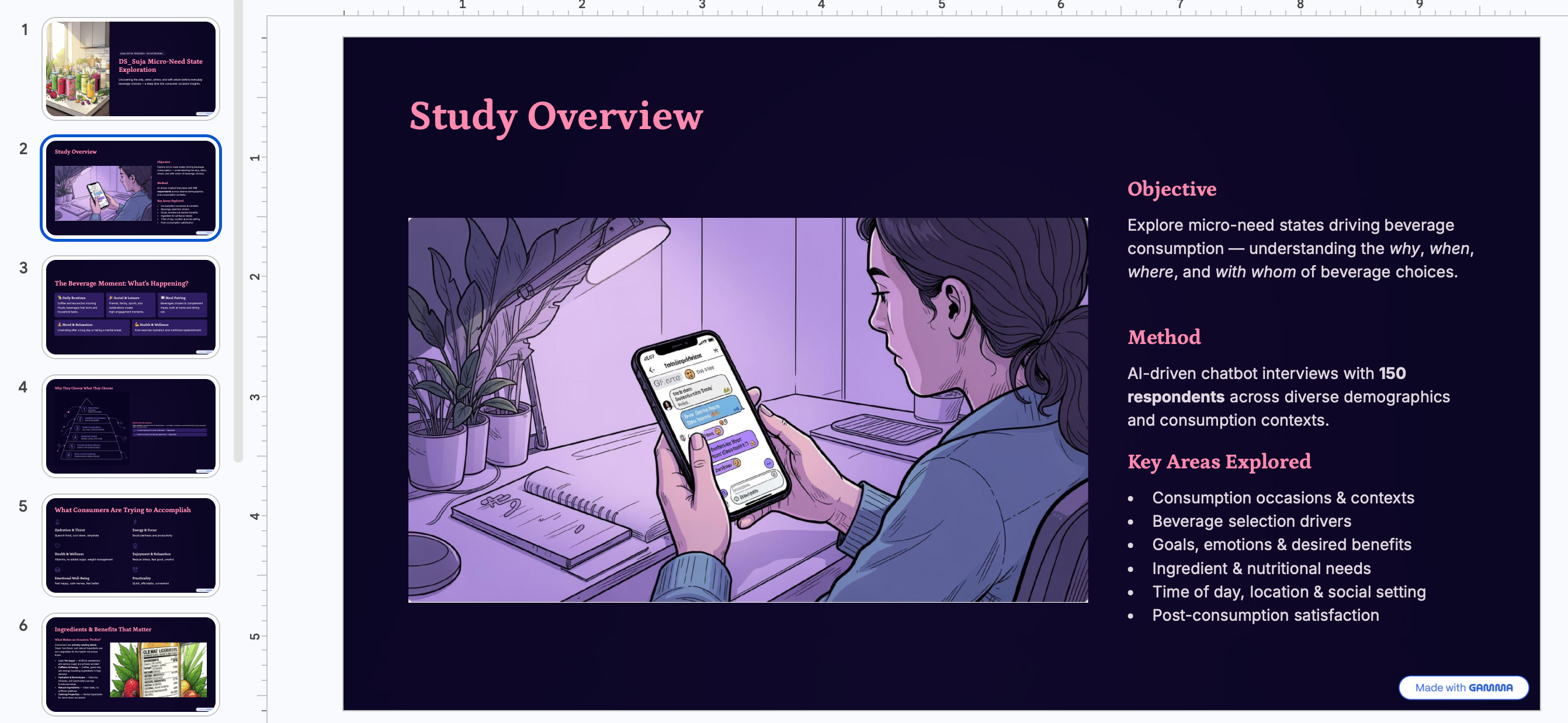
Generate Slide Text (with data) that can be pasted into a tool like Gamma.
Using CWYD
CWYD is accessed in two places within the reaveal platform.
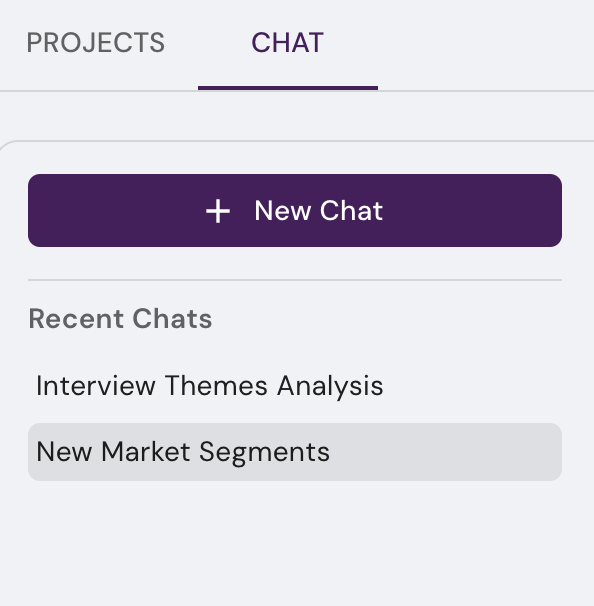
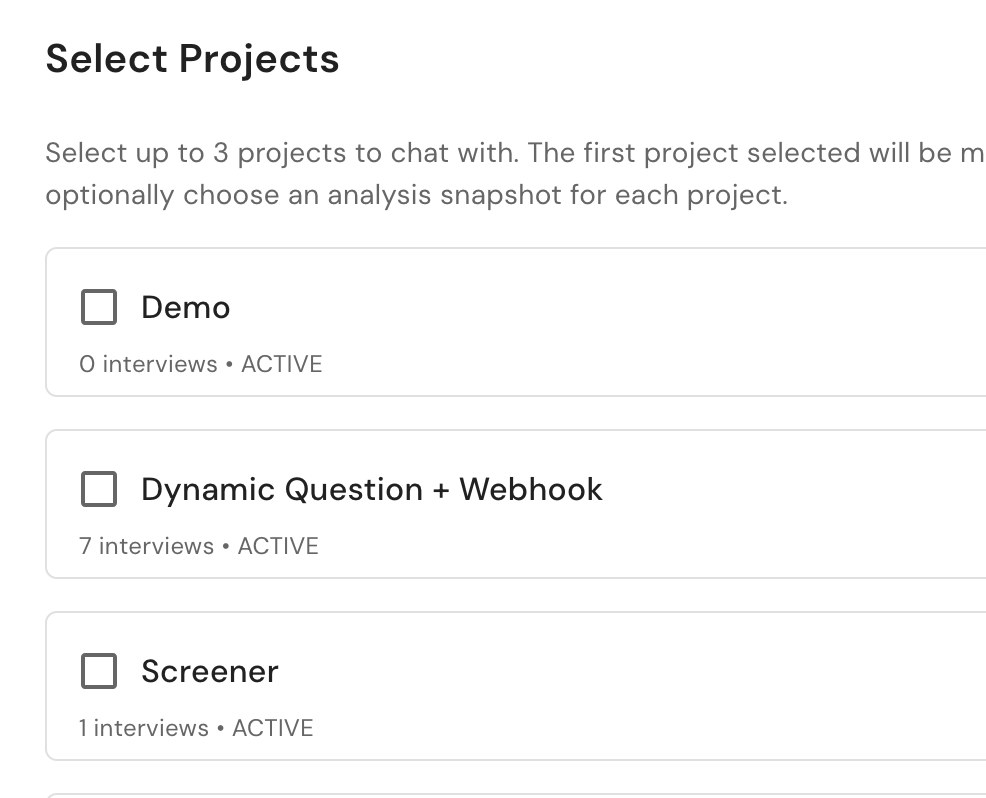
Workspace level CWYD lets you select up to 3 projects and their data will be included in the chat.
This can be accessed from a workspace page by clicking the “Chat” tab, then selecting which projects you’d like to include
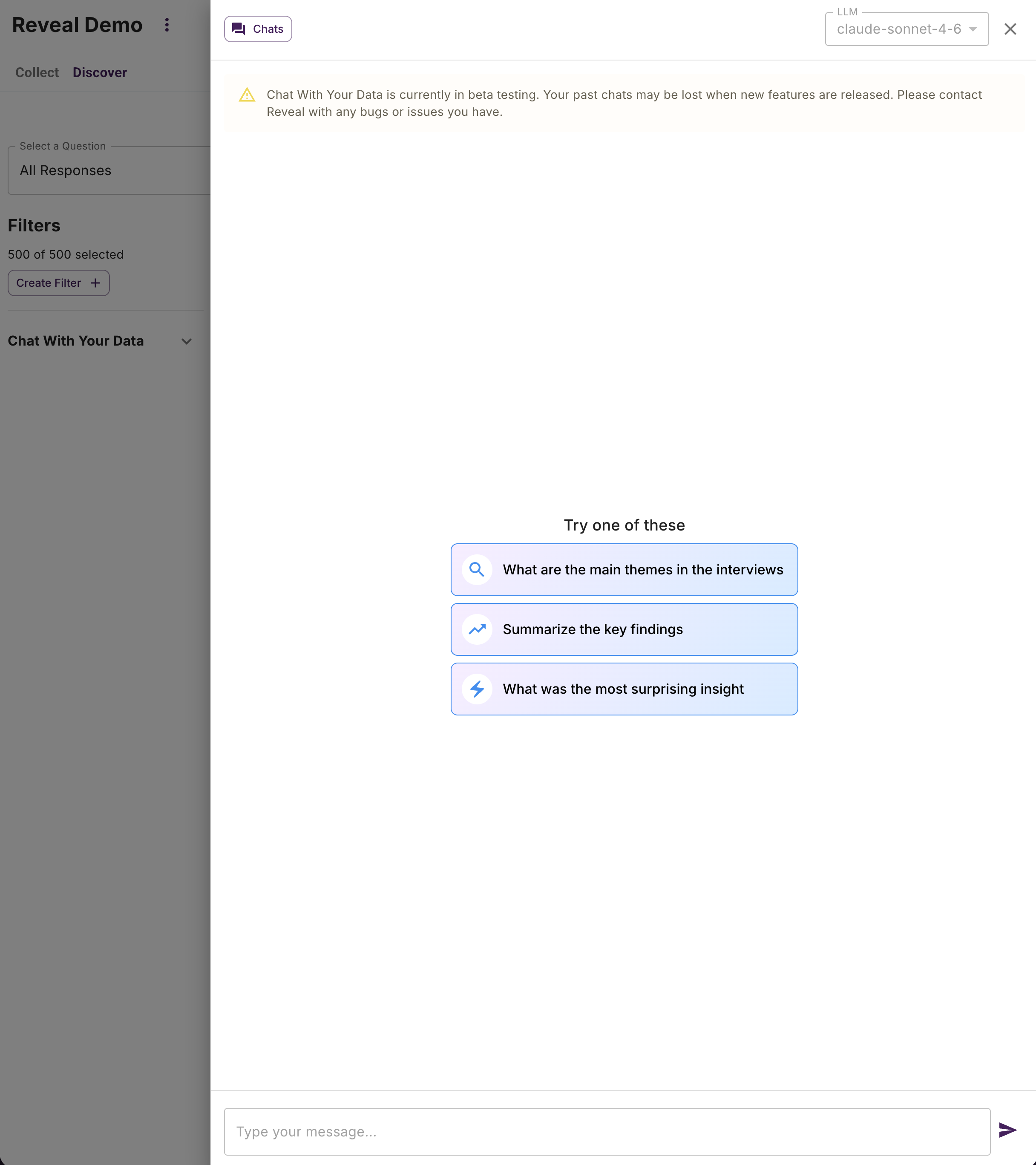
Project level CWYD can be found under the Discover tab by clicking the Chat With Your Data button in the upper right orner

When you click the button, a drawer will open that allows you to interact with the chat. On larger screens, the drawer is resizable by clicking and dragging the exposed edge. On smaller screens, the drawer will take over the entire window.
History
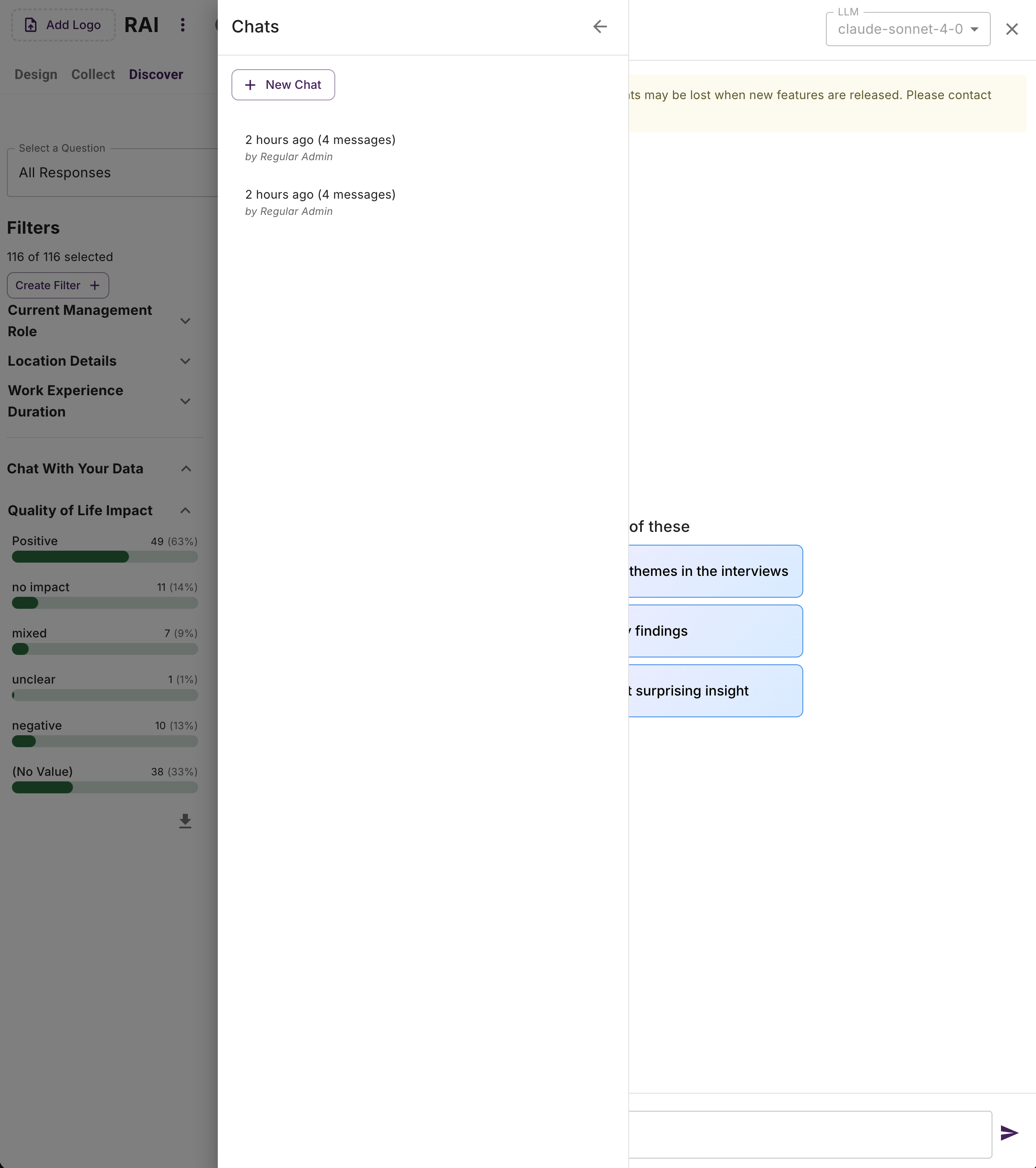
CWYD maintains a chat history that shows previous chats in addition to a “New Chat” button if you wish to start a new chat with a fresh context window.
CWYD Assisted Custom Filtering
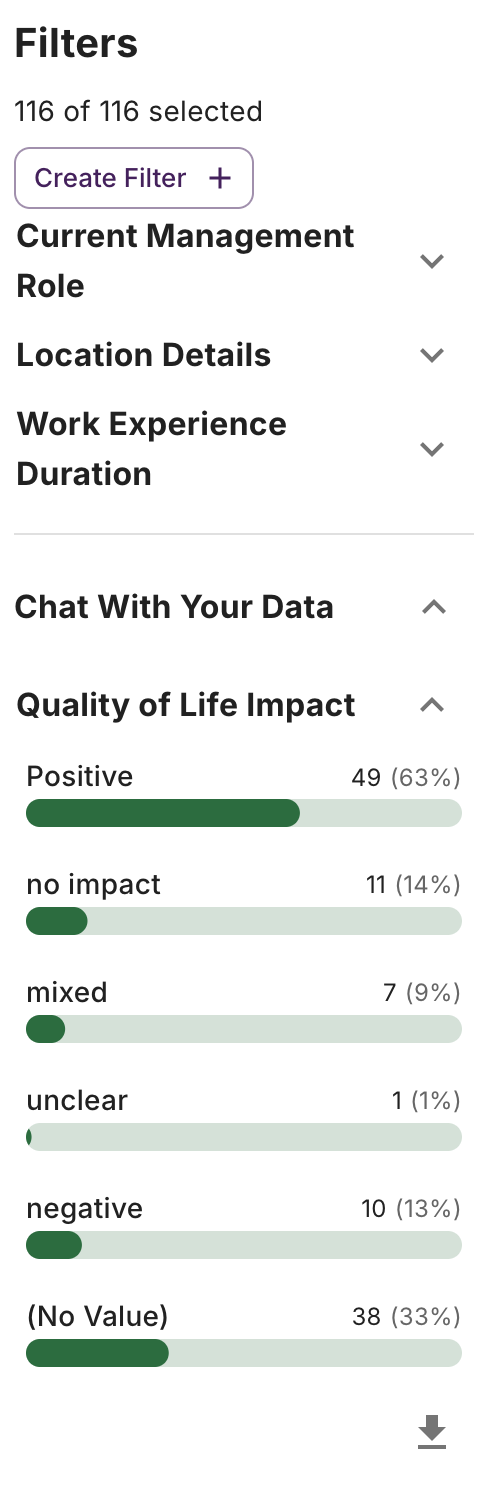
CWYD has the ability to create and add custom filters to your Discover dashboard. CWYD will perform this function any time it needs to generate a filter to fulfill your request, whether explicitly asked or not. These filters get added to a special section in your filter bar, under the heading “Chat With Your Data.” In the screenshot below, the filter “Quality of Life Impact” has been added by the CWYD agent.
CWYD Assisted Slide Creation
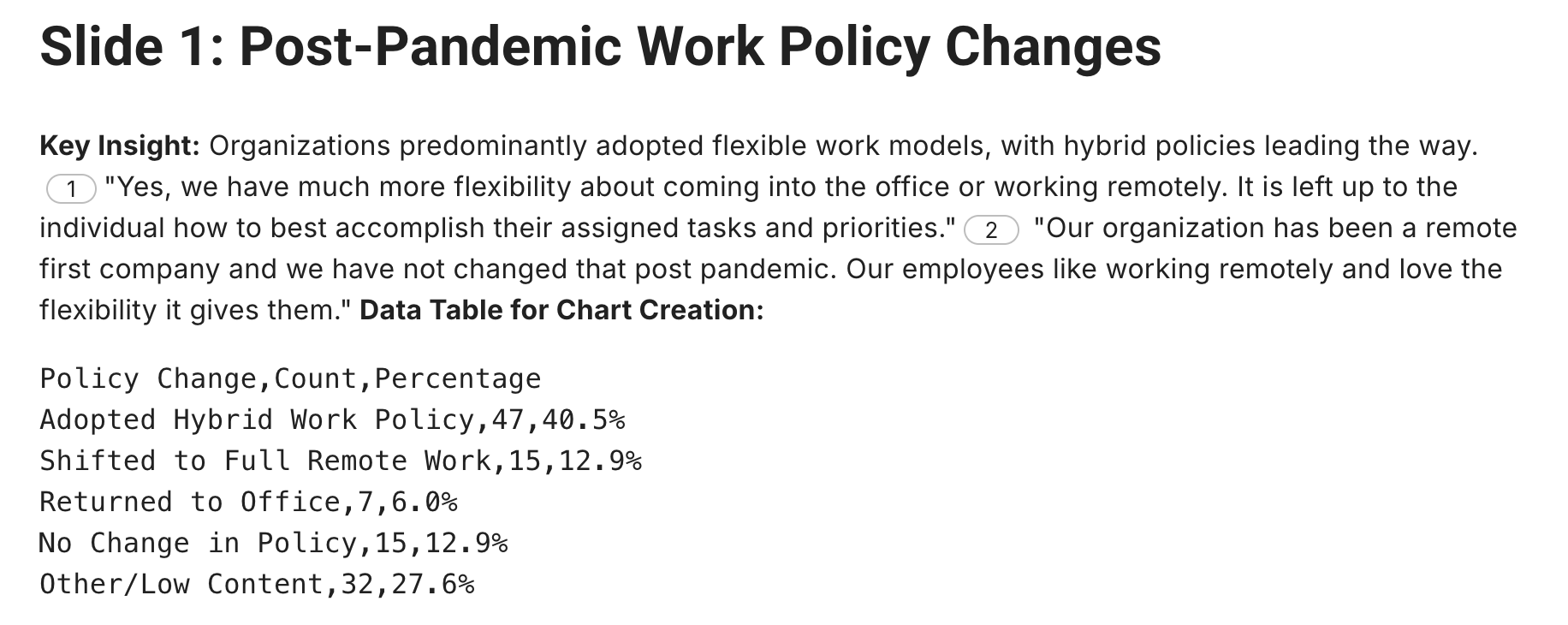
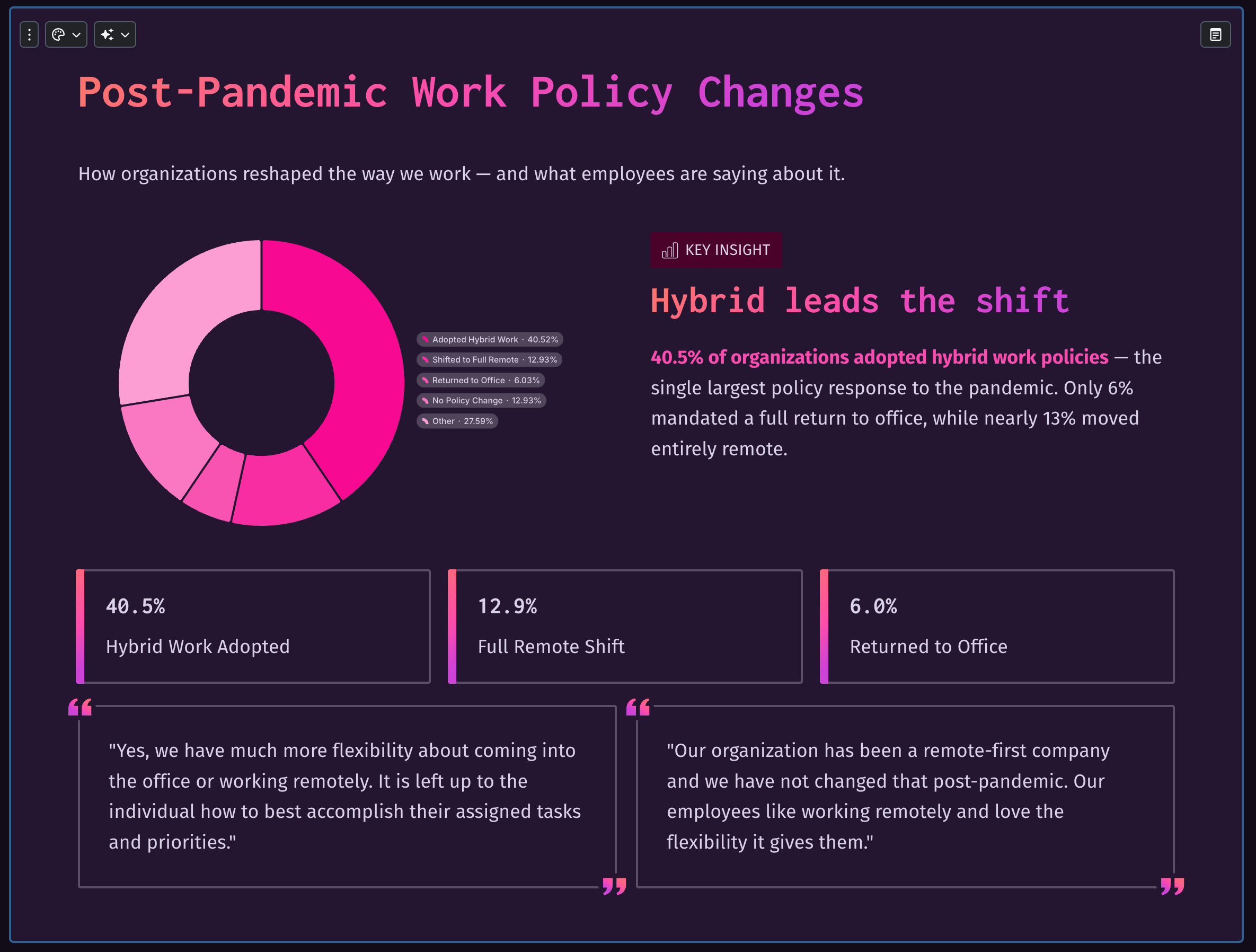
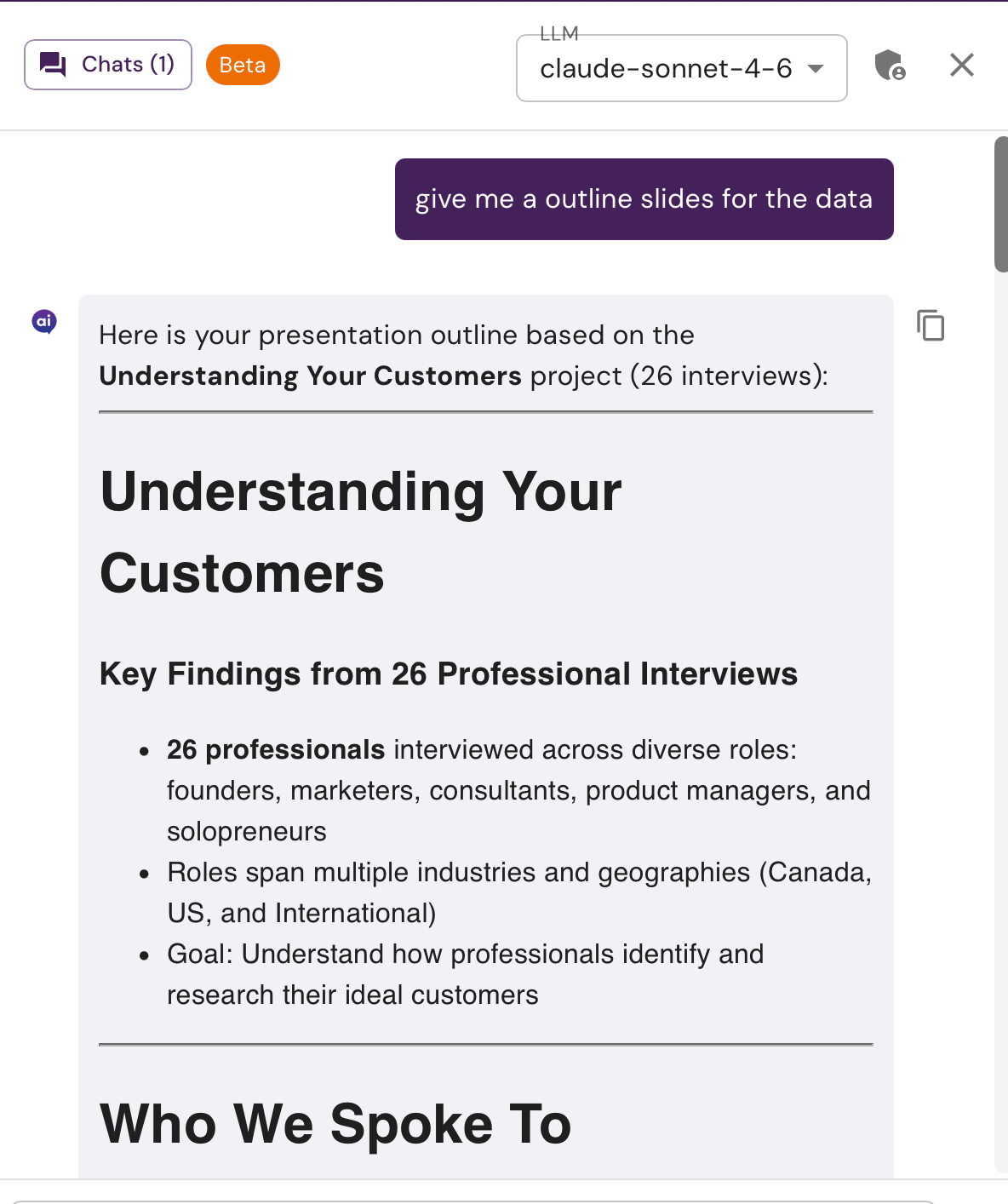
CWYD has the ability to help generate text-based slides. Simply ask the agent to create a slide or slides about the information you wish to capture. You can also ask it to include raw data for charts that can be used to external sources to create visuals. This text is formatted in such a way that it can be copied and pasted into presentation creation tools like Gamma. While this technique should work in a wide variety of tools, it has been tested exclusively with Gamma. Sample slide text from CWYD and Gamma created slide shown below:
Example 1:
Example 2:
Was this helpful?
Still need help? Ask the team