AI Screener
This feature is currently in beta, reach out if you’d like to try it out!
Written By Get Reveal
Last updated 5 months ago
Overview
The AI Screener detects potential AI/bot respondents by asking 2-4 qualifying questions, then either flagging or ending those interviews early. It can be used in both standalone interviews and iframe workflows.
Setting it up
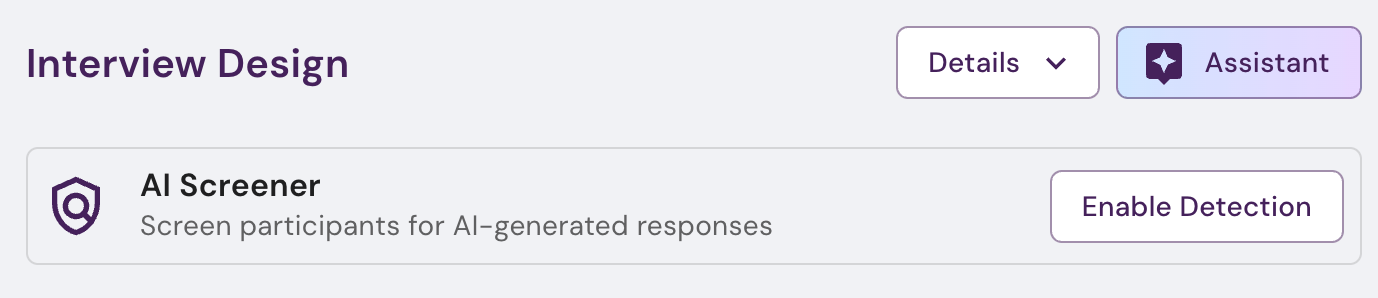
On the interview designer page, choose ‘Enable Detection’
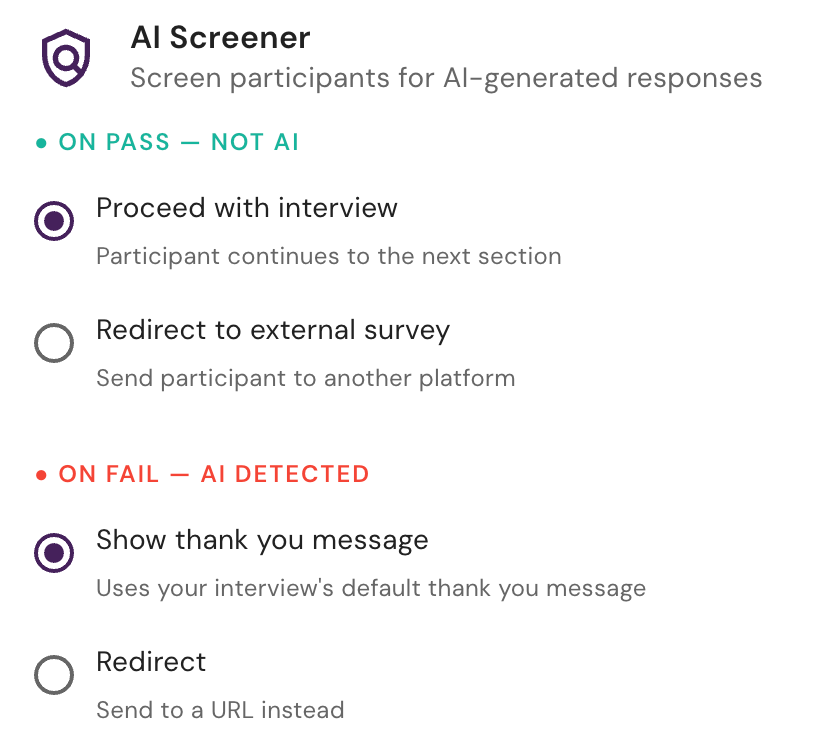
Choose the screener mode.
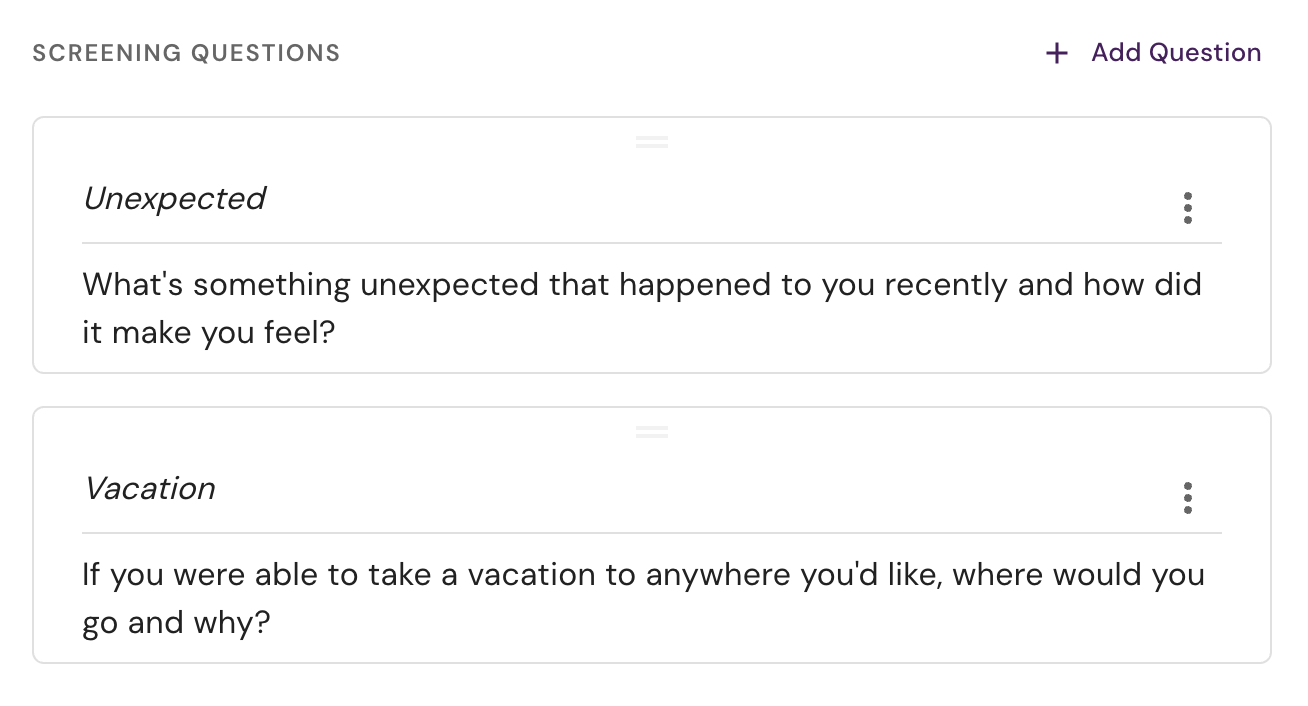
Review your screener questions. We auto-fill two questions that are specifically crafted to identify AI responses, but you can edit them, or add additional questions.
Technical details
Actions
onPass (AI not detected):
continue- Proceed to main interview questionsredirect- Send respondent to external URL
onFail (Likely AI detected):
terminate- End interview immediately with no redirectredirect- Send respondent to external URL (e.g., survey platform screener endpoint)
Redirect URLs
If you use the redirect option then redirects will automatically have a screener query param appended with a value of pass or fail. Additionally if you use a tracking ID as outlined in Embed RevealAI iFrame then an rtid query param will also be appended. If you need the tracking ID in another format you can use {rtid} as a placeholder in the URL and we will swap it in.
Examples
iframe Events
See Embed RevealAI iFrame for a list of events emitted by the iframe
Was this helpful?
Still need help? Ask the team